Reinald Toilet Roleplay How to Morph
Open the menu, pick free or gamepass units, and switch roles without disrupting your team.
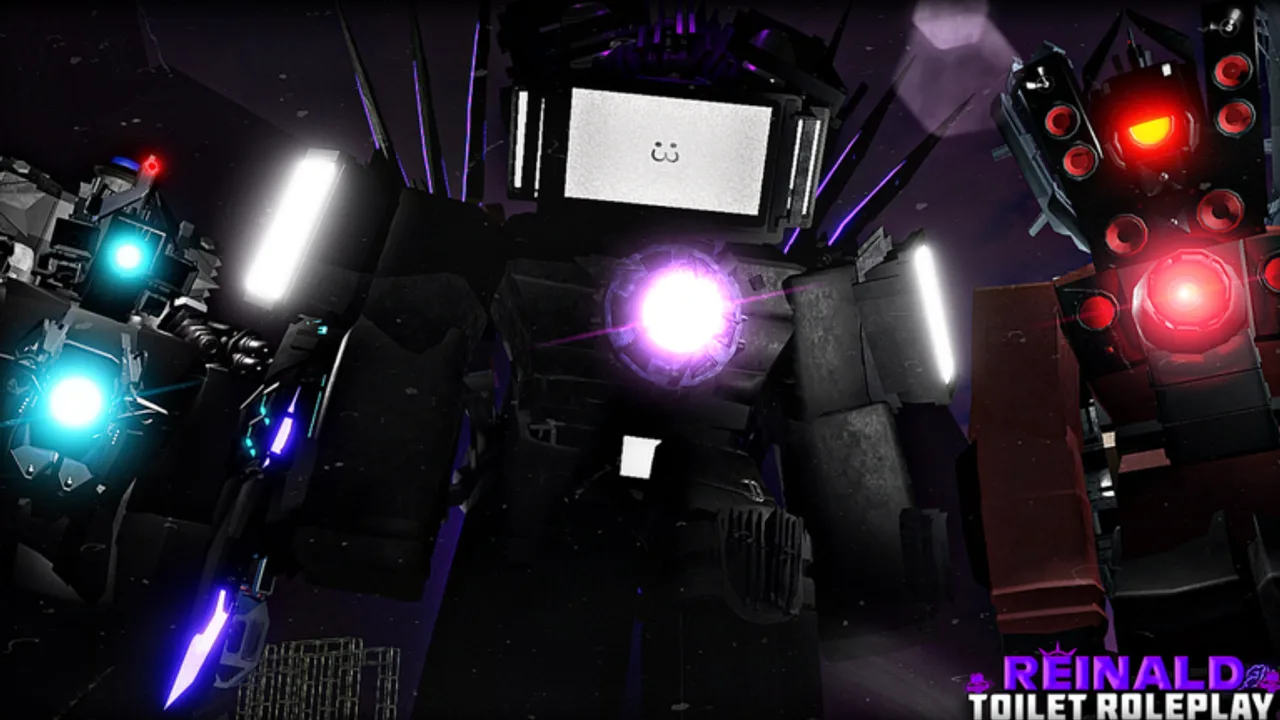
Morphing is the core identity loop in Reinald Toilet Roleplay. Every session begins with choosing who you are on the battlefield — a compact Tabletman scout, a Strider flanker, or a towering Battery Titan supporting allies with Overcharge. This guide explains how the morph menu works, which units are free, which require gamepasses, and how to switch roles without breaking team flow.
If you have not joined yet, start with Getting Started for install steps and first-hour etiquette. This page assumes you are already in a server on PC, mobile, or Xbox.
Opening the morph menu
After spawning on the current map (typically Wasteland), locate the morph selector in the game UI. Exact button placement can shift after UI patches, but the flow is consistent:
- Stand in a safe area away from spawn traffic
- Open the morph menu from the on-screen button or key prompt
- Browse categories — free roster, gamepass-owned morphs, and team-limited units
- Confirm your selection and wait for the transform animation
On mobile, use the touch menu; on Xbox, navigate with the controller cursor. See Controls if you cannot find the binding on your platform.
The embedded walkthrough video on this page demonstrates morph selection and gamepass-owned units in live servers. Watch it mid-guide if you prefer visual steps over text.
Free morph roster — Tabletmen and specialists
SRV Official Group ships a substantial free roster so new players can roleplay without Robux. Commonly available free morphs include:
| Morph | Role hint |
|---|---|
| Tabletman Medium | Balanced infantry Tablet unit |
| Tabletman Large | Heavier silhouette, slower movement |
| Tabletman Light | Agile skirmisher |
| Tablet Strider | Mobile flanking morph |
| M.I.R.A | Specialist with unique kit |
| Vanquisher | Aggressive front-line option |
| Tablet Airship | Aerial-style presence |
| Tablet Bomber | Area pressure and gestures |
| Astro Specialist Remake | Astro faction support pick |
Free morphs still carry gestures and damage abilities. Read ability prompts on screen before firing into passive roleplay scenes. Cooldown rules apply to advanced units like UTSM, UTCM, and UTTVM even when you do not own Titans — see Titans & Overcharge for timer details.
Gamepass morphs — when Robux unlocks appear
Gamepass purchases attach to your Roblox account. Once owned, morphs appear in your menu on every server until developers retire them (rare, but check Updates after patches).
Key gamepass morphs players search for:
- Battery Titan — support Titan that applies Overcharge to allies; central to Titan team comps
- Microwave Titan — heavy damage morph with distinct gestures
Utility gamepasses such as Bypass Character Limit, Acid Medium Tvman, Dismantler, donation tiers, and Speaker early access may not replace your entire model but expand roster slots or early unlock windows. Full value breakdown lives on Gamepasses.
Tip from community play: buy Battery Titan when you regularly squad with Titan players who call for Overcharge. Buy Microwave Titan when you main aggressive front-line PvP. Neither is mandatory for casual Wasteland roleplay.
Free versus gamepass — decision table
| Question | Free morph | Gamepass morph |
|---|---|---|
| Cost | Robux 0 | Robux price set in Roblox store |
| Account binding | Always available | Owned forever on your account |
| Team reliance | Self-contained | Battery Titan benefits allies |
| Learning curve | Lower on Tabletman Light | Higher on Titans |
Use the Tier List when debating long-term mains. Rankings consider patch changes to Astro Striders, Carrier interactions, and Titan Overcharge buffs.
Switching morphs mid-session
You can change morphs without rejoining if the server rules and menu allow it. Follow these habits:
- Switch off the main path so your transform animation does not block Carriers
- Tell teammates if you leave a support role — teams plan around Battery charging
- Wait out cooldowns before re-selecting the same heavy unit if the game enforces ability reset on swap
- Avoid spawn spam — repeatedly swapping large models frustrates newcomers
Some servers informal-rule limit how often players swap during active scenes. Respect room culture even though the menu technically allows changes.
Team composition basics
Morph choice communicates team intent before anyone types in chat:
- Tablet lines — medium pushes, airship scouting, bomber area denial
- Astro specialists — flex support and infection-themed gestures where enabled
- Titans — anchor fights; Battery applies Overcharge while Microwave applies pressure
- Carrier family — staging platforms; allies stand on Carrier sides per recent updates
When joining a group, match morph size to the scene. A Microwave Titan towering over a small dialogue circle pulls focus — fun sometimes, disruptive often.
Morph menu troubleshooting
| Problem | Likely fix |
|---|---|
| Gamepass morph missing | Confirm purchase on Roblox account; rejoin server |
| Menu will not open | Check platform controls in Controls |
| Transform stuck | Reset character via Roblox respawn; avoid ability spam during swap |
| Morph looks outdated | Patch changed model — read Updates |
Roblox itself must be logged into the account that bought the pass. Family accounts sometimes confuse kids’ passes with parent accounts — verify in the Roblox purchases tab.
Linking morphs to map and codes
Morph choice interacts with Wasteland layout. Large Titans need open ground near team bases; Tablet Striders use alleys and elevated rocks. Read Wasteland Map for landmarks that fit your model size.
Do not expect morph unlocks from promo codes today — Codes lists no known active codes. Future codes, if announced, would appear there with redemption steps.
Practice routine for new morphs
When trying a morph for the first time:
- Select it in an empty corner of Wasteland
- Cycle every gesture and damage ability once
- Note cooldown feedback on screen for Carrier-style powers
- Rejoin your team with a quick chat message about your role
- Review Titans & Overcharge if you bought Battery Titan
Repeat after major patches — SRV Official Group extends kits (for example Kara ability extensions or Astro Strider upgrades) without always broadcasting full patch notes in-game.
Related guides
Continue learning with sibling pages under Guides:
- Getting Started — join flow and first-hour checklist
- Gamepasses — Robux unlock details
- Controls — platform bindings for gestures
- Titans & Overcharge — Battery charging mechanics
- Wasteland Map — where each morph size fits best
Morphing should feel expressive, not overwhelming. Master the menu once, then let team role and map knowledge guide your picks session to session.
Frequently Asked Questions
Quick answers for Reinald Toilet Roleplay players.
How do I open the morph menu?
Use the on-screen morph button after spawning. Exact keys differ by platform — see the Controls guide for PC, mobile, and Xbox bindings.
Which morphs are free?
Free roster includes Tabletman Medium, Large, and Light, Tablet Strider, M.I.R.A, Vanquisher, Tablet Airship, Tablet Bomber, and Astro Specialist Remake.
Do I need gamepasses to morph?
No. Gamepasses like Battery Titan and Microwave Titan add premium options, but free morphs cover full roleplay sessions.
Can I switch morphs without leaving the server?
Yes in most cases. Move away from spawn, open the menu again, and pick a new unit. Tell teammates if you abandon a support role.
Why is my gamepass morph missing?
Confirm the pass is on your logged-in Roblox account, then rejoin. If a patch retired a morph, check Updates for official notes.
Where can I watch a morph tutorial?
This page embeds a verified YouTube walkthrough covering morph selection and gamepass usage. Only one video appears per page per wiki rules.